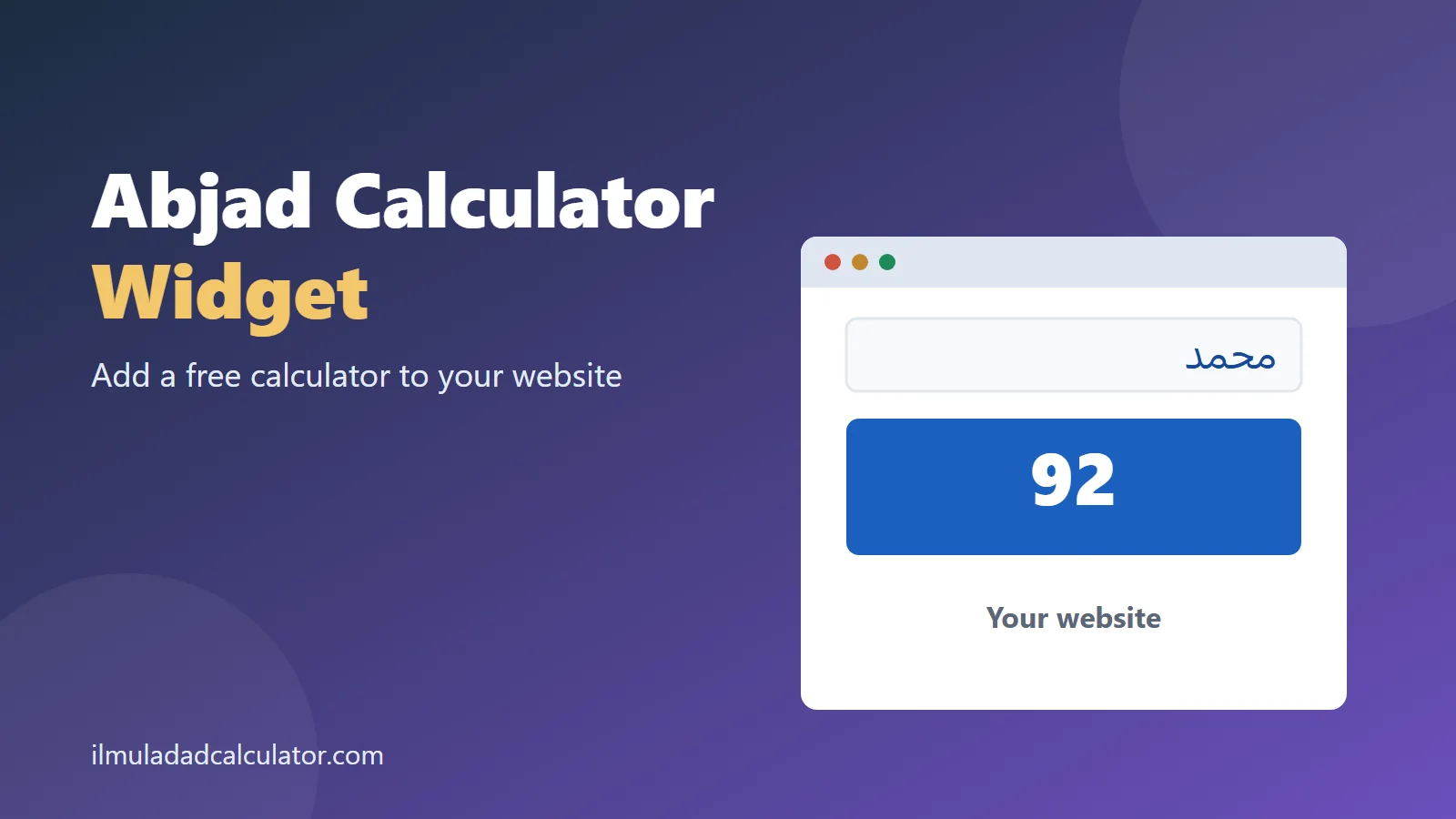
Add a free Ilm-ul-Adad calculator to your own website. The widget above is exactly what your visitors will see. Choose the options below, copy the code and paste it into any page that accepts HTML.
Get the Embed Code
How to Add the Widget
- Choose the theme, starting system and height above.
- Press Copy code.
- Paste the code where your site accepts HTML.
- Save the page and check it on a phone.
Adding It to WordPress
Open the page editor and add a Custom HTML block. Paste the code into the block and update the page.
Adding It to Other Platforms
Most site builders have an embed or HTML element. Paste the code into that element and publish.
Choosing the Options
- Theme: pick Light or Dark to match your site.
- Starting system: Mashriqi suits most sites, and Maghribi suits North African topics.
- Height: 420 pixels fits most layouts, and taller frames leave room for the keypad.
Privacy and Speed
Every calculation runs in your visitor’s browser. Nothing they type is sent to a server or stored.
The widget loads in its own frame, only when a visitor scrolls near it. It does not slow down the rest of your page.
The Optional Text Link
You can add a small credit line under the widget. It names the site in plain words and is not required.
Leave it out if your site does not allow outside links. The widget works the same either way.
Visitors who want more can use the full Ilm-ul-Adad Calculator or browse all tools.
Where the Widget Fits Best
- Pages about Arabic and Urdu names and their meanings.
- Blogs about Urdu and Persian poetry, next to a chronogram.
- School and teacher pages that teach the Arabic letters.
Place it near the text that explains Abjad values. Visitors can then test a word as soon as they read about it.
Troubleshooting
- The bottom is cut off: choose a taller height and copy the code again.
- The colors clash with your site: switch between the Light and Dark themes.
- The code shows as text: paste it into an HTML block, not a normal text block.
- Nothing appears in the editor: some editors hide frames until you preview or publish the page.
Frequently Asked Questions
Is the widget free?
Yes. Copy the code and paste it into any page that accepts HTML. There is no sign-up and no limit.
Will the widget update automatically?
Yes. It loads from this site, so improvements appear on your page without any change to your code.
Can I put more than one widget on a page?
Yes. Each copy works on its own, so you can add one per article.
Does the widget work on phones?
Yes. It fits narrow screens, and the Arabic keypad works on touch devices.
Why does the widget show a blank space?
Some site builders block embedded frames. Check that your platform allows iframes from other websites.
Can I change the widget code myself?
You can change the height in the code. Other changes may stop it from working, so copy fresh code instead.
Author: Shakeel Muzaffar
Reviewer: Moulana Haji Abdul Basit (Islamic Scholar and Mentor)