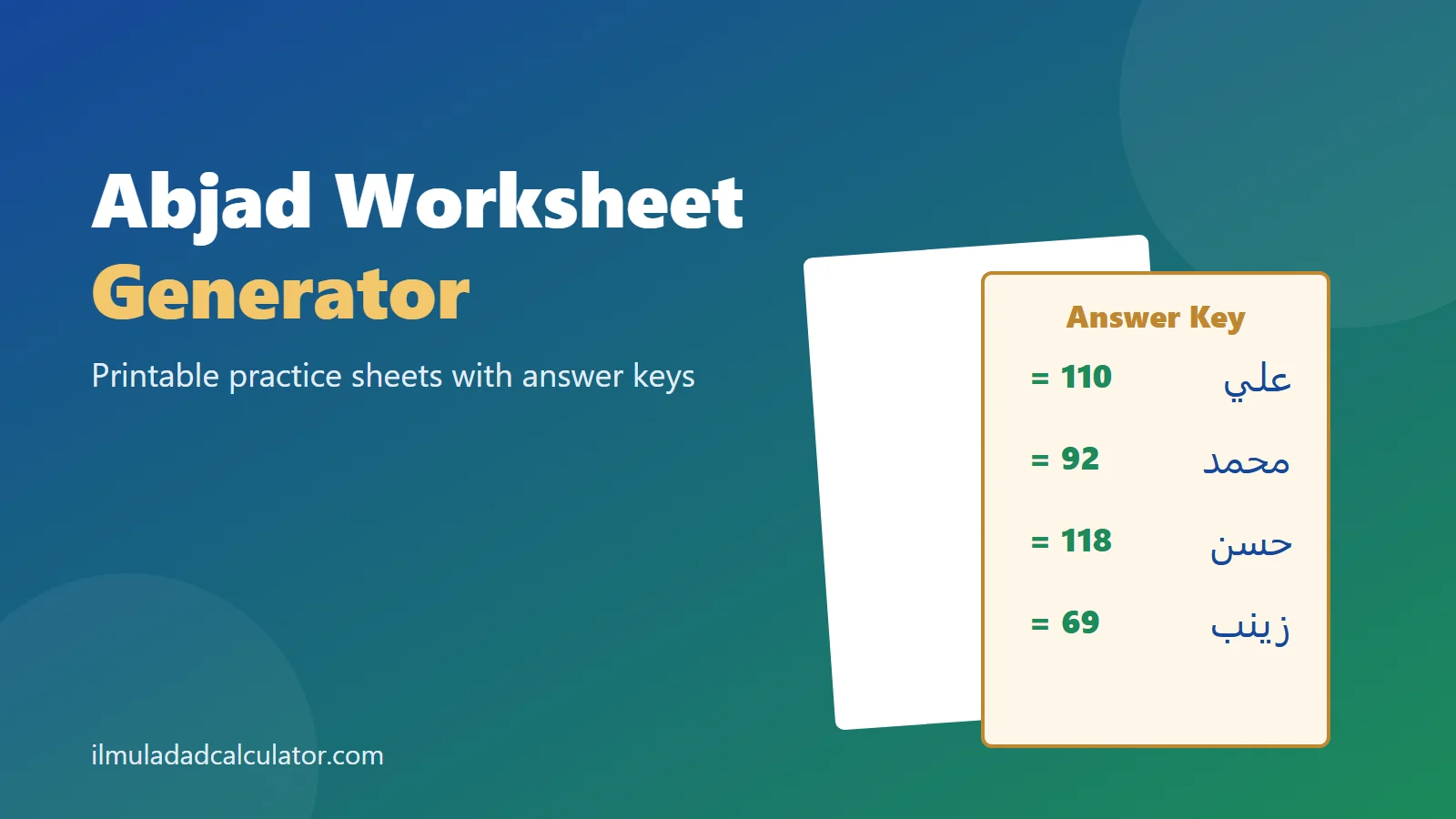
Create a printable Abjad practice worksheet in seconds, with a separate answer key. Choose the number of questions, the difficulty and the system. Every worksheet has a code, so you can rebuild the same sheet later.
How to Make a Worksheet
- Choose 10, 15 or 20 questions.
- Pick a difficulty level.
- Choose the Mashriqi or Maghribi system.
- Press New worksheet, and check the preview.
- Press Print worksheet and answer key.
The answer key prints on a separate page, so you can keep it back from pupils.
The Three Difficulty Levels
- Easy uses words with two or three letters, such as علي (110).
- Medium uses four-letter words, such as محمد (92).
- Hard uses words with five letters or more, such as ابراهيم (259).
Using the Worksheets in Class
Each question asks for the Abjad value of a word. Pupils find each letter in the table, write its value and add them up.
The answer key shows each letter’s value as well as the total. That makes mistakes easy to trace.
A Simple Lesson Plan
- Spend five minutes reviewing the letter order with the class.
- Work through two questions together on the board.
- Give pupils 15 minutes for the rest of the sheet.
- Mark answers in pairs with the answer key.
Worksheet Codes
The code builds the same questions every time. Write it down to reprint a sheet or its answer key later.
Give two classes the same code to set the same test. Give a new code for a fresh set of questions.
For extra practice, set the Abjad Quiz as homework. Pin a printable chart in the classroom.
Adapting Worksheets for Different Learners
- Beginners: choose Easy and keep the letter table on the sheet.
- Confident pupils: choose Medium and remove the table for a memory test.
- Advanced pupils: choose Hard with 20 questions as a timed challenge.
In a mixed class, give each row a different code. Neighbors then get different questions, but you can still print every answer key.
Common Pupil Mistakes
- Mixing up letters that share a shape, such as ب, ت and ث.
- Skipping an alif in the middle of a word.
- Counting ة as ت. It counts as ه, so فاطمة is 135, not 530.
- Adding a value for vowel marks. Marks carry no value.
The answer key lists every letter value, so you can see which of these slips a pupil made.
Frequently Asked Questions
Do new worksheets repeat the same words?
Each new code shuffles the word list, so the questions change from sheet to sheet.
Where do the words come from?
From the site’s reviewed name spellings and common words. Every answer is calculated with the same table as the calculators.
Is it free to use in class?
Yes. Print as many copies as you need.
Can pupils see the answers on screen?
Only if you tick Show answers on screen. Leave it off when you project the preview.
Can I leave the letter table off the sheet?
Yes. Untick the letter table option to make the worksheet a memory test.
Can parents use the worksheets at home?
Yes. Print one sheet and its key, and check the answers together after your child finishes.
Author: Shakeel Muzaffar
Reviewer: Moulana Haji Abdul Basit (Islamic Scholar and Mentor)